Rapid UX Research with AI Support
7 minute read
Pass on the boring stuff
Design is a process of turning ideas into reality. There is always the fun part and not so fun part of the process. Creating design iterations — fun. Making sure all layers are named correctly — not so fun. Testing out color ideas — fun. Making sure all colors are assigned the right variable tokens — not so fun. The boring stuff isn’t going away. Perhaps this doesn't have to be our problem.
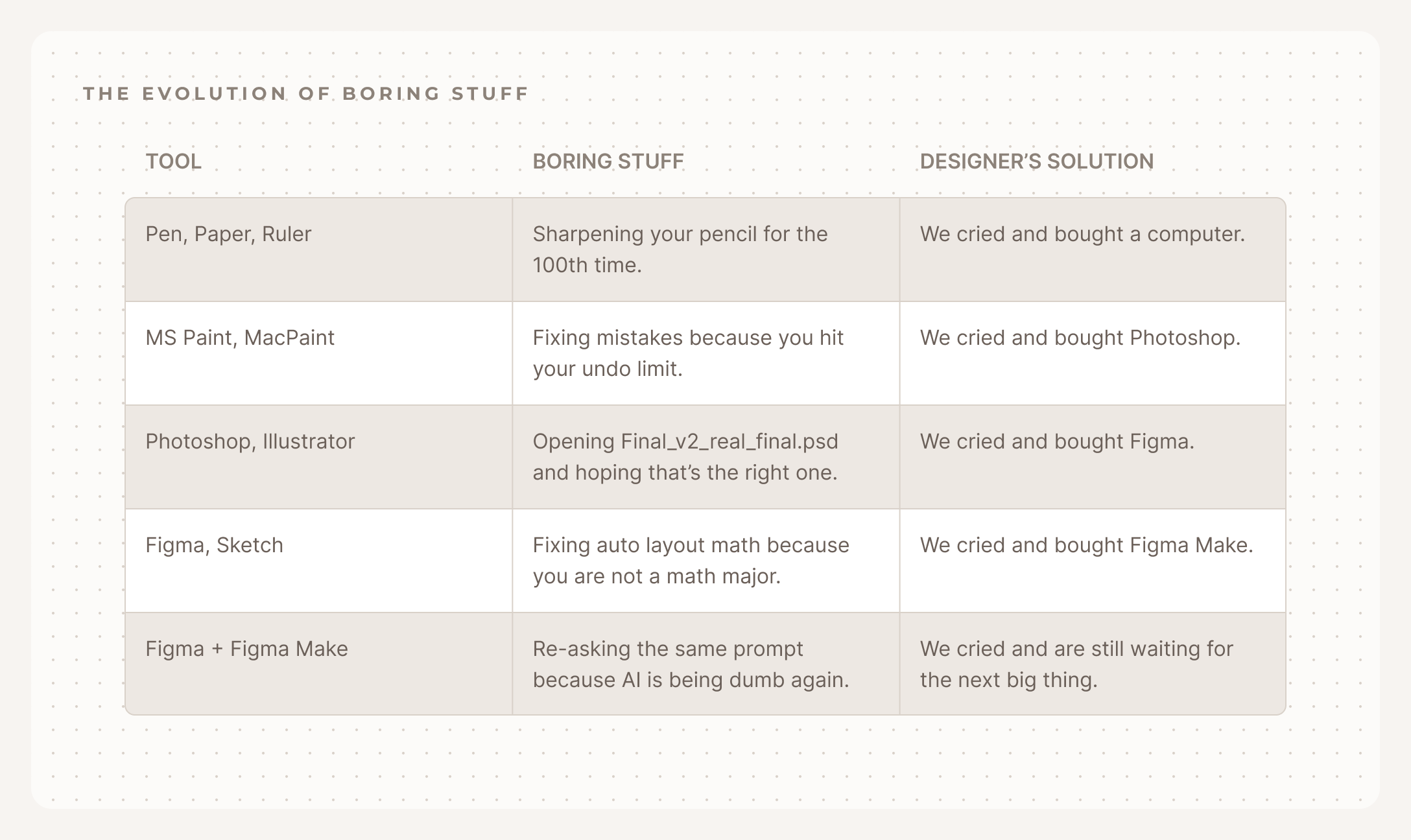
Throughout the history of design tools, we have allowed our tools to do the boring stuff. We use Photoshop instead of pen and paper so we don’t need to start from scratch when we make mistakes. We use Figma instead of Photoshop so we don’t need to manually recreate the same components on every page. We switch to a new tool when it can save us time. That time is now.
Enter AI, the world’s most patient intern. Not the most creative, but brilliant at the tedious stuff. I found using Figma Make (Figma’s AI assistant) like a design intern in Figma to be pretty awesome. The moment something feels repetitive, I hand it off. It works well from renaming layers or replacing content to creating an entire color variables system, while applying it across all my designs. I am still learning its limits. It can be slow sometimes, but when it works, it really saves me time to do the actual “designing.”
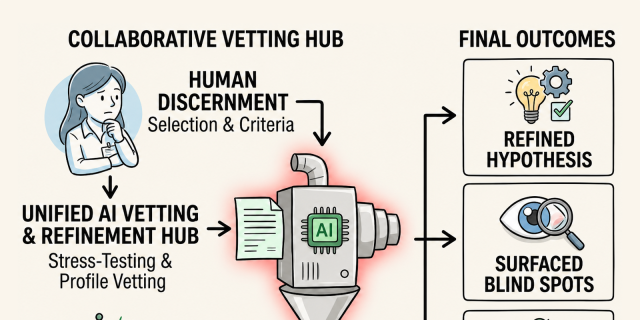
In the usual design process, we have an idea first and then try to realize it in design. Then we discover issues or edge cases with the design and have to start over. I was trying to diagram an idea the other day and asked Claude (Anthropic’s AI assistant) to check for errors. It actually suggested a different type of diagram that worked better for my idea. I would probably have arrived at a similar conclusion at a later time, but this really sped up the process. Here is a fun one: Try asking AI to be your interviewer and let it poke holes in your idea or show you all the edge cases. You might be surprised by the things you’ve missed.
A design project often starts with lots of research materials — reports, documentations, interview transcripts, etcetera. Our job is to distill them into design solutions. I often feed these documents into Gemini (Google’s AI assistant) to get a summary as well as highlighting any patterns quickly. It’s much faster than trying to read everything raw. And yes, I still read them and check the sources because AI hallucinations are real. The difference is that you would have a rough idea before verifying the materials, then you can more easily pinpoint what you are looking for.
Asking AI to do things is cool and all, but what if it just did things on its own? What if the canvas had its own opinion? It’s been interesting to follow the progress of these new types of design tools with an “AI-native” canvas. The AI sits in the background and reacts to what’s on the canvas in real-time, then points out inconsistencies, fills in the gaps, and suggests improvements. The canvas itself is also “open” to other AI agents so they can make design changes directly on canvas too. We are not at “full auto-pilot” with these new tools yet but I am looking forward to the day when we won’t have to worry about boring stuff anymore. When that day comes, the only thing left for us designers to zero in on is what to complain about next.